
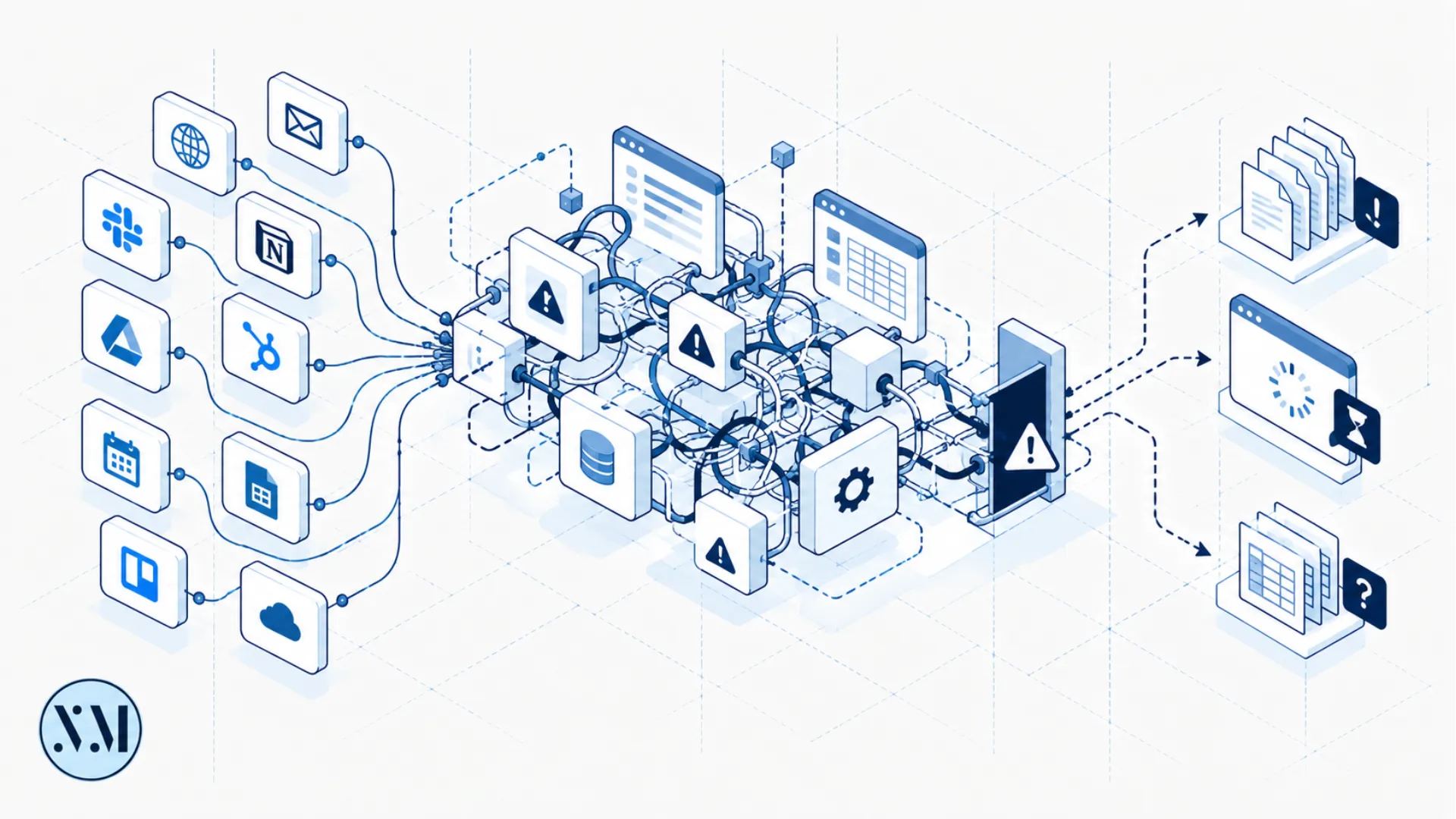
How Disconnected Tools Create Digital Friction
Your individual tools may work perfectly while the overall system does not. Disconnected platforms can create duplicated work, inconsistent information, and unnecessary customer friction.

A business does not necessarily have a technology problem because it has too many tools.
The problem is often that the tools do not work together.
A website knows something.
The CRM knows something else.
The inbox contains another version.
A spreadsheet contains the latest update.
Nobody knows which one is correct.
Information should have somewhere to go
Imagine a customer submits an enquiry.
The website captures their details.
Where do those details go?
If someone manually copies them into a CRM, that creates work.
If someone copies them into a spreadsheet as well, that creates duplication.
If the sales team then copies them into a project system, the same information has now travelled through three systems.
Every copy creates another opportunity for error.
Integrations can help
A good integration allows systems to exchange information automatically.
For example:
Website form → CRM → task → notification
That can remove unnecessary manual work.
But integrations should be designed carefully.
Otherwise you simply create a complicated network of dependencies.
Think about ownership
For every important piece of information, ask:
Which system owns this?
The CRM may own customer records.
The accounting platform may own financial records.
The CMS may own website content.
A project management system may own delivery tasks.
Clear ownership prevents conflicting versions.
Avoid the "everything connects to everything" model
More integrations are not necessarily better.
A system with twenty connections can be harder to maintain than one with five.
A useful architecture often has clear boundaries.
Each system has a job.
Information moves where necessary.
Everything else stays out of the way.
The customer experiences the architecture
Customers do not see your integrations.
They experience their consequences.
If the business knows their history, the experience feels coherent.
If they repeatedly provide the same information, it feels disorganized.
If nobody knows what happened to their enquiry, it feels unreliable.
Good digital architecture therefore affects customer experience even when customers never see the underlying technology.
Simplify before connecting
Before integrating two systems, ask whether both systems are actually necessary.
Sometimes the best integration is removing one of the systems.
That is an important principle.
Digital improvement is not always about connecting more things.
Sometimes it is about having fewer things to connect.